A home for what you copy
Text, links, images, colours and file references together in one searchable history.
 QuietPaste
 The link from earlier. The text you just replaced. QuietPaste keeps your clipboard history a menu-bar click away.
Download on theApp StoreFor Mac · macOS 15 or later
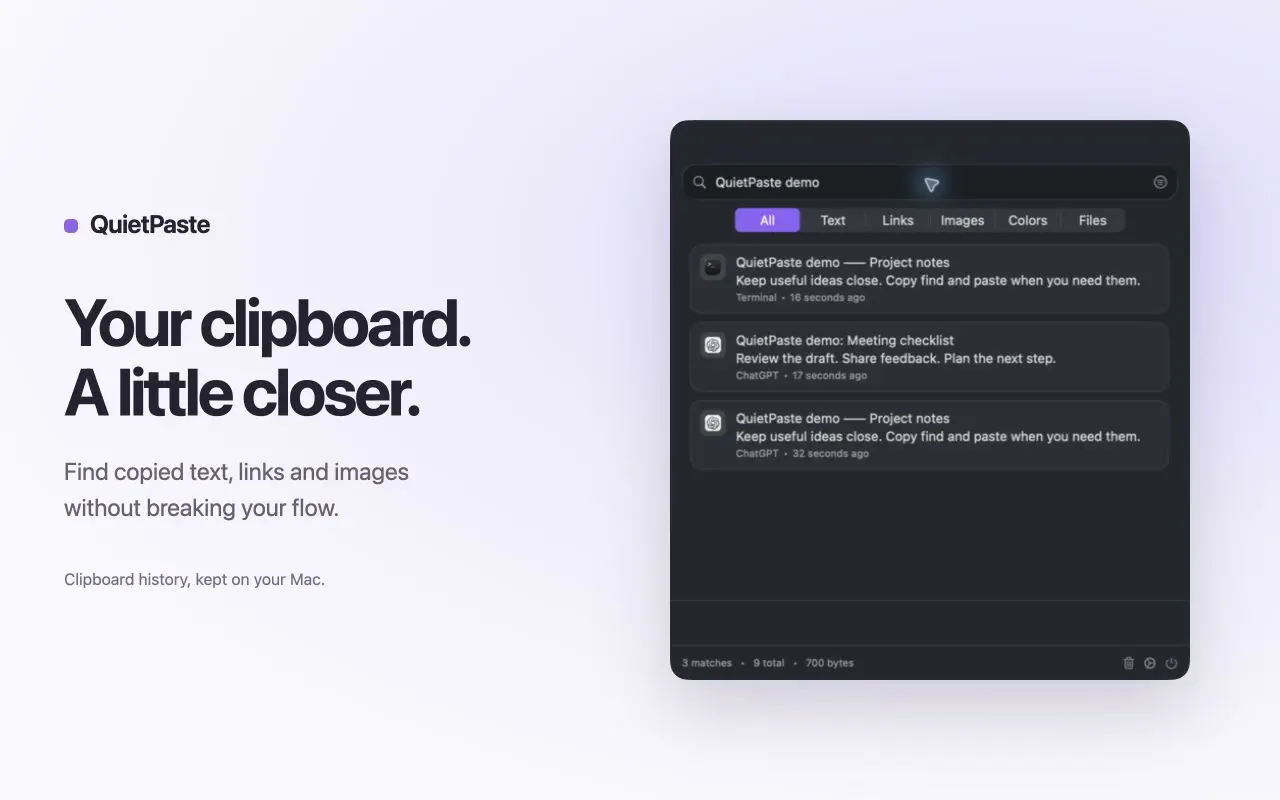
Text, links, images, colours and file references together in one searchable history.
Search by text, then narrow your history by content type, date or source application.
Open a link, copy a colour’s hex value or file path, or reveal the original file in Finder.
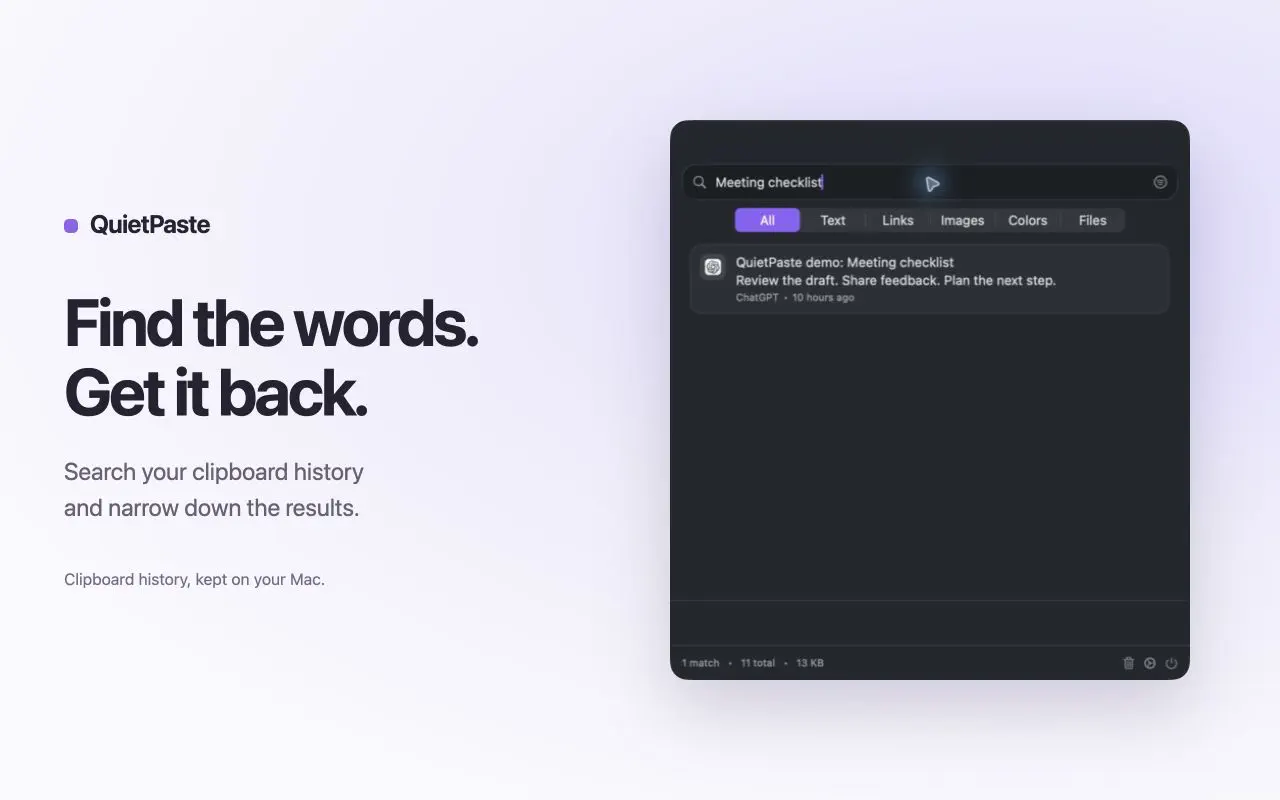
Choose Start Capturing, then copy something in your favourite app.
Use the menu bar or set your own global shortcut. Search for what you need.
Select an item and press Return to restore it to the clipboard. Paste normally with Command-V.
Screenshots from the App Store. Scroll to explore.
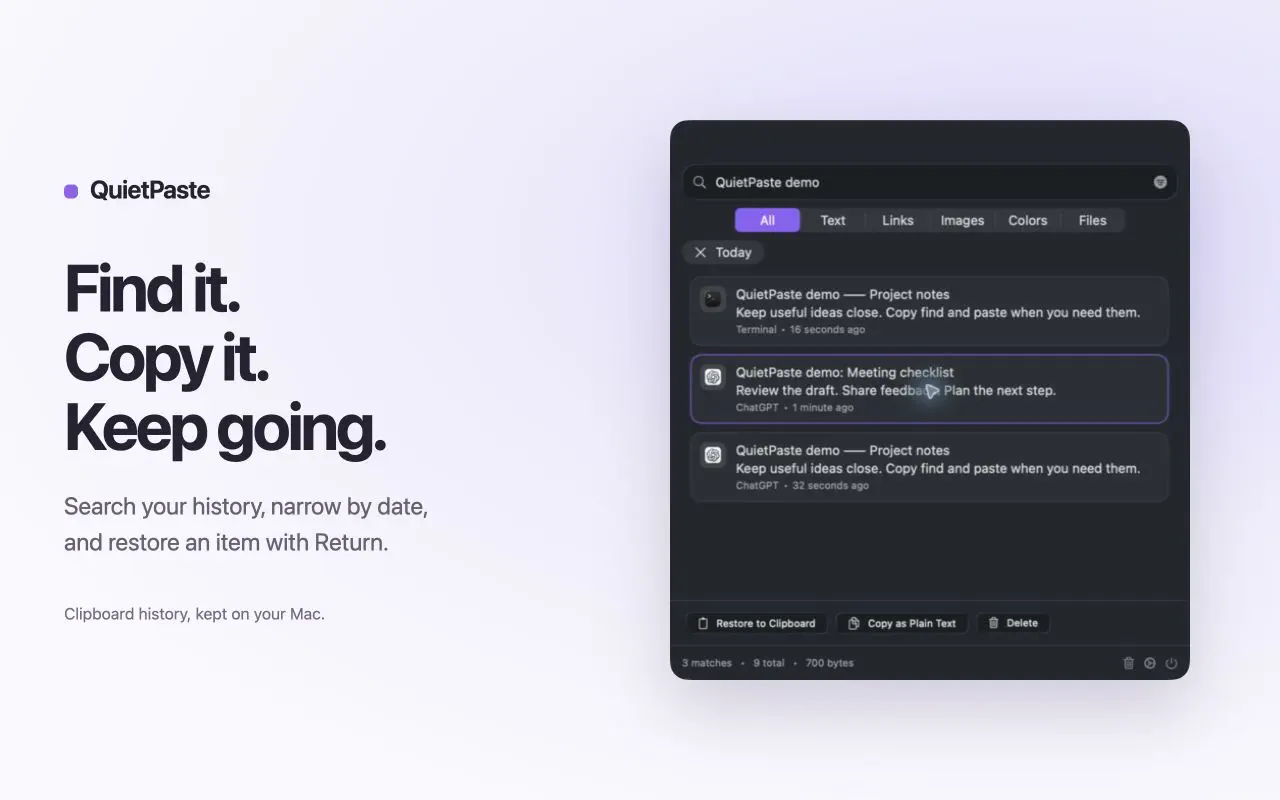
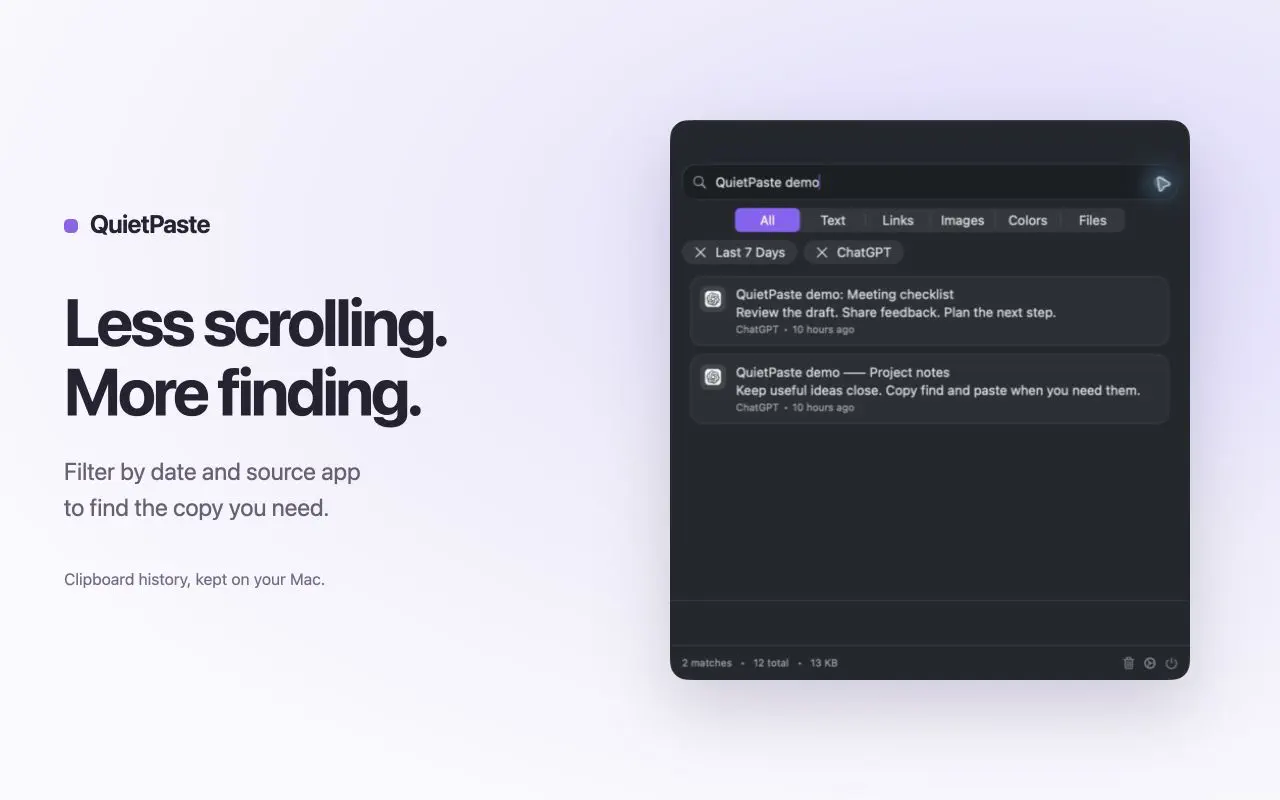
History stays locally on your Mac. Start, pause or resume capture when you choose. Exclude applications, delete individual entries or clear your history.
QuietPaste keeps up to 1,000 entries, 500 MB and 30 days of history. It does not detect private keys or recovery phrases: pause capture or exclude sensitive apps before copying secrets.
Read the privacy policy →A focused clipboard companion for your Mac.
Download on theApp Store